
Schlagwort: ‘Tipps & Tricks’
1. April in der IT – wenn selbst der Server lacht!

Quelle: Freepik
Der 1. April ist der einzige Tag im Jahr, an dem IT-Menschen offiziell zugeben dürfen, dass sie Humor haben. Zwischen Tickets, Updates und dem dritten Neustart des Tages bleibt nämlich manchmal doch noch Zeit für einen kleinen Aprilscherz.
Abonnementverwaltung – Verlängern, pausieren oder kündigen
Quelle: Eigene Darstellung
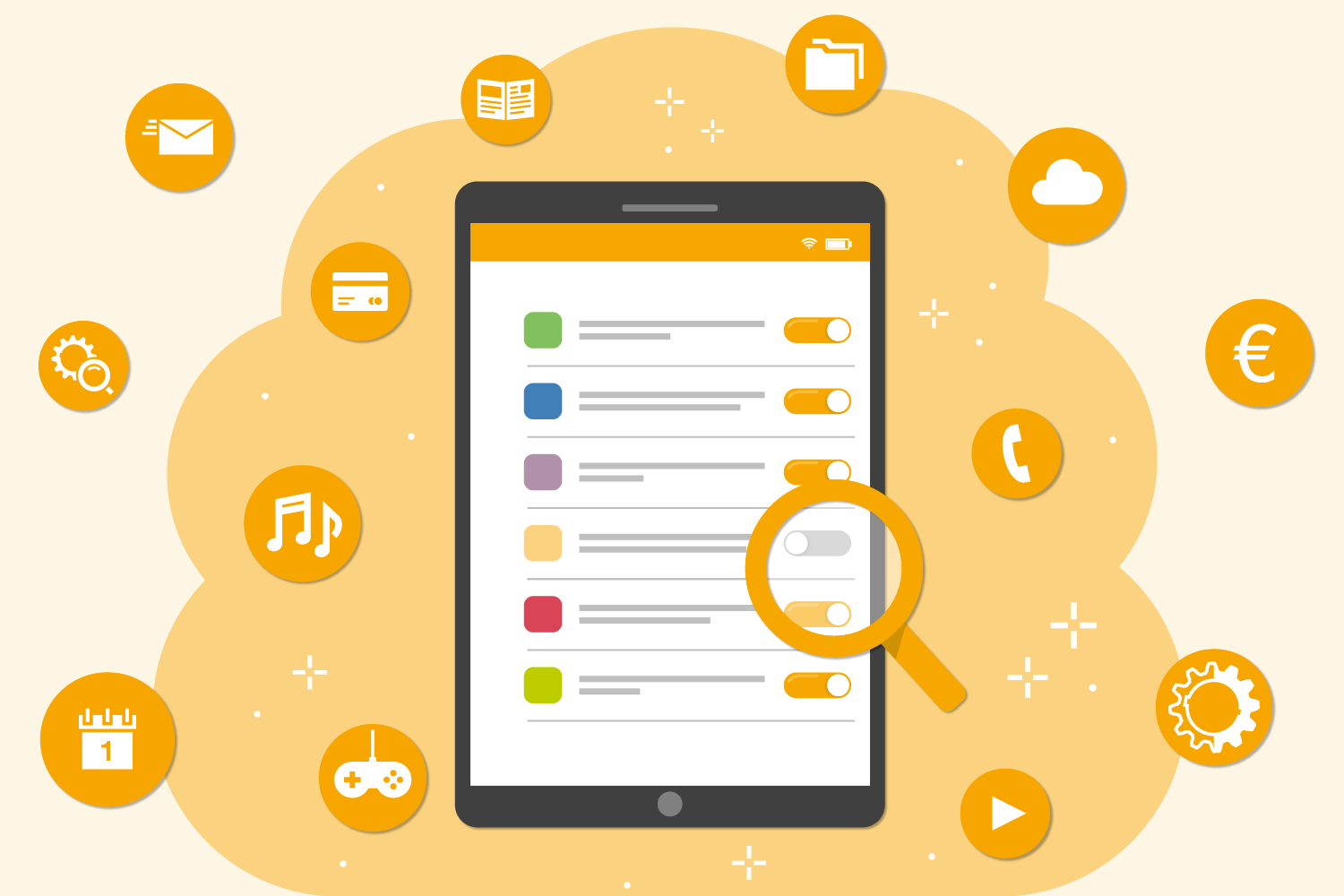
Abonnementbasierte Dienste sind eine der am schnellsten wachsenden Geschäftsinnovationen des letzten Jahrzehnts.[1] Vorbei sind die Zeiten, in denen Abonnements nur für Zeitungen und Zeitschriften reserviert waren. Wahrscheinlich bist du in deinem Alltag schonmal mit Abonnementdiensten in Berührung gekommen. „Saas“ oder „Software-as-a-Service“ ist das gängigste Dienstleistungsmodell für Büro- und Arbeitssoftware. Darüber hinaus sind Abonnements bereits die Norm für alle konsumierbaren Inhalte, mit denen wir in unserem Privatleben zu tun haben, einschließlich Musik- und Streaming-Diensten. In diesem Artikel geben wir dir einige Tipps, die dir helfen, Abonnements zu Hause und am Arbeitsplatz zu verwalten. Weiterlesen »
Der Einfluss von Social Media auf die IT-Sicherheit
Quelle: Freepik
Nahezu jede Person ist heutzutage auf einer oder mehreren Social-Media-Plattformen zu finden und pflegt ein oder mehrere Profile, teils privat, teils sogar beruflich. Manche nutzen sie, um sich zu vernetzen, Fotos von besonderen Ereignissen zu teilen oder mit ihren Freunden in Kontakt zu bleiben. Andere nutzen sie, um ihr Unternehmen, ihren Verein oder ihre Organisation zu bewerben. Obwohl soziale Netzwerke zahlreiche Vorteile bieten und aus unserem Alltag nicht mehr wegzudenken sind, bergen sie auch eine Reihe von Risiken, insbesondere im Hinblick auf die IT-Sicherheit. In diesem Beitrag möchten wir die verschiedenen Aspekte der Auswirkungen sozialer Medien auf die IT-Sicherheit beleuchten und einen Einblick geben, wie diese Herausforderungen bewältigt werden können.
Weiterlesen »
Digitaler Minimalismus: Weniger ist mehr
Quelle: Freepik
In einer Welt wie heute, die zunehmend an digitalen Technologien gewinnt, ist es leicht, sich in der endlosen Flut von Informationen, Benachrichtigungen und digitalen Ablenkungen zu verlieren. Während diese Technologien viele Vorteile bieten, kann ihr übermäßiger Gebrauch auch zu Stress, Überforderung und einer geringeren Lebensqualität führen. An dieser Stelle kommt der digitale Minimalismus ins Spiel. Doch was ist digitaler Minimalismus genau, wie kann er ausgelebt werden und welche Vorteile birgt er? Das möchten wir euch im folgenden Blogbeitrag näher erklären.
IT-Bites: Schnelle Problembehebungen

Quelle: Freepik
Im Zeitalter der Digitalisierung sind IT-Probleme ein alltägliches Ärgernis, das zu Hause zu erheblichen Störungen führen kann. Die gute Nachricht ist jedoch, dass viele dieser Probleme mit einfachen und schnellen Lösungen behoben werden können. In diesem Blogbeitrag werfen wir einen Blick auf einige der häufigsten IT-Probleme zu Hause und bieten praktische Tipps zur schnellen Problembehebung. Bitte beachtet, dass diese Lösungen ausschließlich für die private Nutzung zu Hause gedacht sind.
Entdecke mit uns: Die Vielfalt des IT Center!

Quelle: Freepik
Hallo Wissensentdecker und Wissensentdeckerinnen!
In den schier unendlichen Welten des IT Centers gibt es so viel zu ergründen. Genau das, was euch am meisten fasziniert, wollen wir auf unserem IT Center Blog mit euch teilen.
Tipps und Tricks für Microsoft OneNote
OneNote – gehört zwar zum Office Paket, ist aber noch lange nicht so bekannt wie Word, Excel oder PowerPoint.
Und das, obwohl OneNote doch viel nützlicher ist als gedacht.

Quelle: Unsplash
Einfach gesagt dient OneNote als digitales Notizbuch. Nicht nur mit der Tastatur können Notizen erstellt werden, sondern auch mit Maus, Touchpad oder an einem Touchscreen-Bildschirm können handschriftliche Notizen festgehalten werden.
Doch dieses Tool kann noch so viel mehr. Notizen, die sonst chaotisch in verschiedenen Ordnern verteilt liegen würden, können hier übersichtlich strukturiert und mit verschiedenen digitalen Inhalten und Medien befüllt werden. Wer nicht gerne loses Papier rum liegen und keine Post-Its überall kleben haben will, ist das die perfekte Alternative.
Ganz gleich, ob ihr studiert, berufstätig seid oder einfach nur gerne Ordnung haltet – wir haben Tipps und Tricks, die euch helfen, das Beste aus dem Tool herauszuholen.
Gesund wohlfühlen im Homeoffice – Teil 3

Quelle: Freepik
„Sitzen ist das neue Rauchen“ – diesen Spruch hat wahrscheinlich jeder schon mal gehört. Auch die Forschung der letzten Jahre hat gezeigt, dass es sich hierbei nicht nur um eine Floskel handelt: Bereits 30 Minuten täglich Bewegung haben einen positiven Effekt auf die körperliche und mentale Gesundheit, wie die Stärkung des Herz-Kreislauf-Systems oder die Verringerung der Depressionsneigung etc. In Teil 3 unserer Reihe möchten wir euch nützliche Tipps zum Wohlfühlen und fit bleiben von zu Hause mit an die Hand geben.
Mentalen Belastungen im Homeoffice vorbeugen – Teil 2
Quelle: Freepik
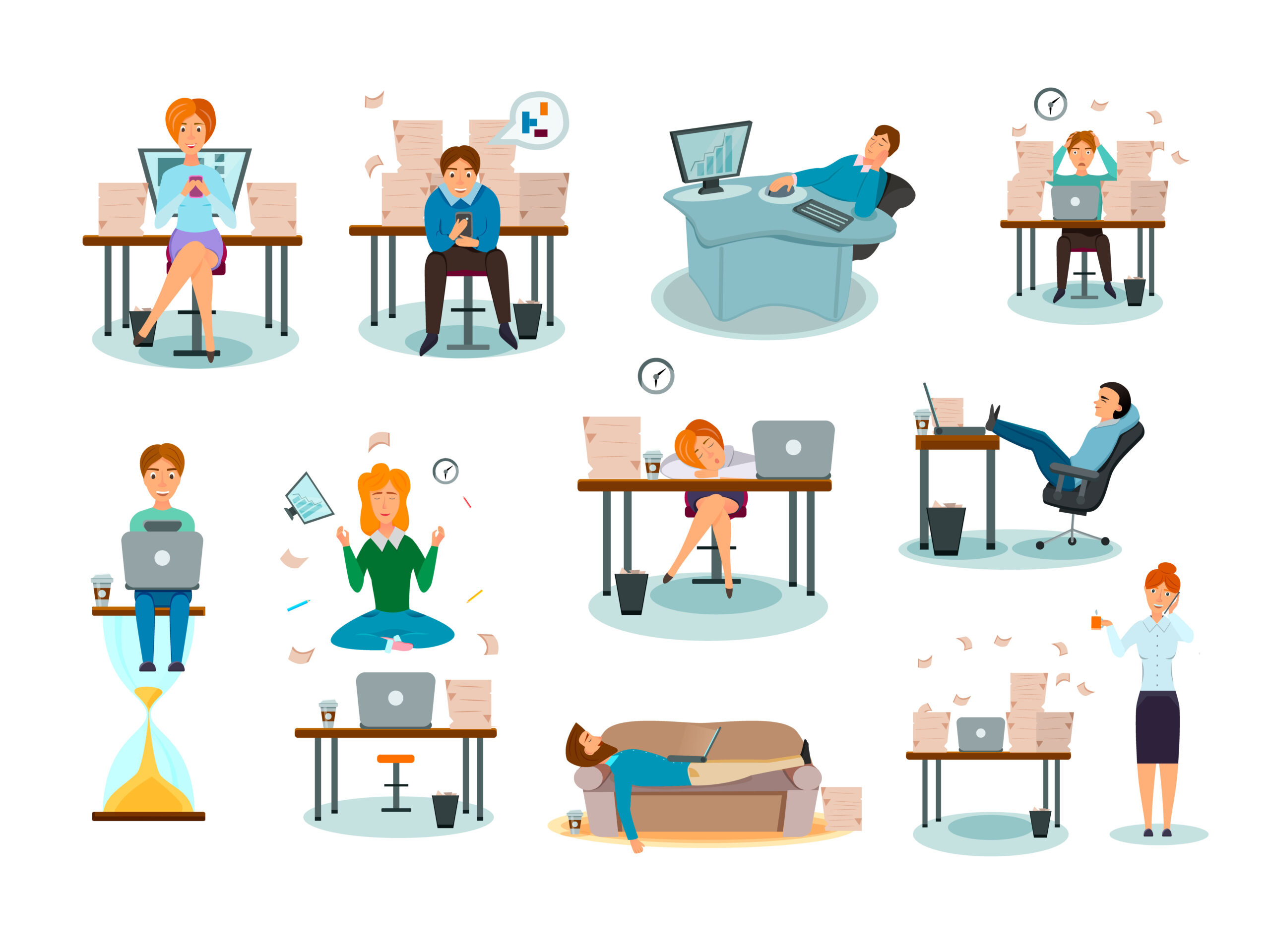
Das Thema „Arbeitsumfeld Homeoffice“ ist und bleibt für viele Arbeitnehmende aktuell. In unserem letzten Beitrag „Chancen und Herausforderungen im Homeoffice“ haben wir sowohl Risiken als auch Chancen, die sich durch das Homeoffice ergeben, dargestellt und Möglichkeiten aufgezeigt. Nun möchten wir im zweiten Teil einen Schritt weitergehen und Tipps geben, wie man mögliche mentale Belastungen im Homeoffice reduzieren und vorbeugen kann.
5 Tipps zum Schutz mobiler Endgeräte
Quelle: Eigene Darstellung
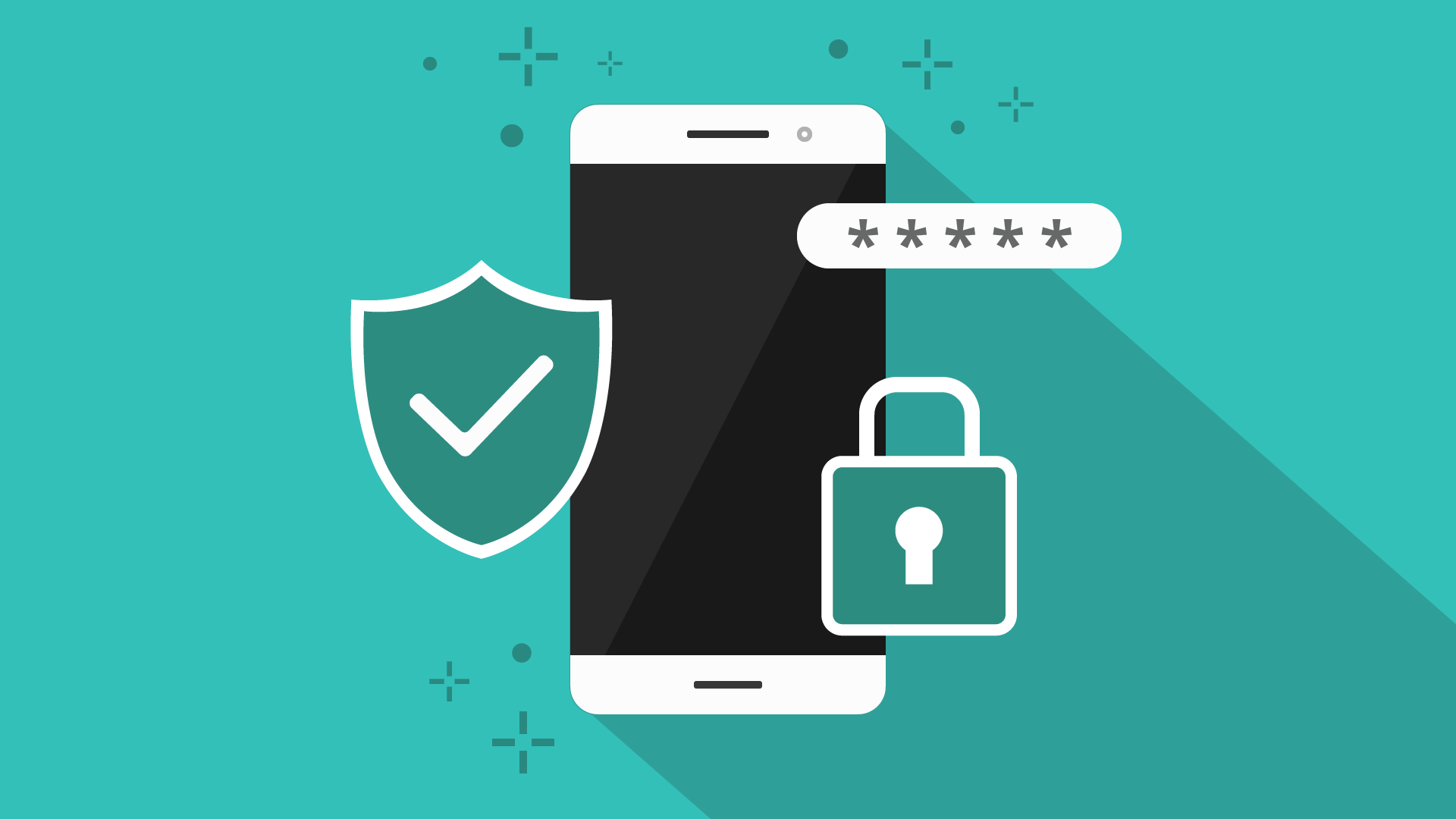
Durch sie sind wir immer und überall erreichbar. Sie begleiten uns überall hin, wecken uns, erinnern uns an wichtige Termine und bieten uns Unterhaltung. Die Rede ist natürlich von Smartphones. Was ursprünglich als Kommunikationsmittel gedacht war, ist heute gleichzeitig Kalender, Kamera, Fotoalbum, Taschenuhr, Navigationsgerät, Schrittzähler und Spielkonsole in einem. Auch als meistgenutztes Gerät für den Internetzugang, haben die mobilen Geräte die Desktop-Computer längst überholt. Spitzenreiter ist dabei das Smartphone.
Die praktischen Alltagshelfer enthalten aber auch eine große Menge an persönlichen Daten, wie Bank- und Kreditkartendaten. Nicht selten werden diese Endgeräte sogar zur Zwei-Faktor-Authentifizierung für Banktransaktionen und andere Dienste eingesetzt. Das macht sie zu einem beliebten Ziel für Hacker*innen. Mit ein paar Tipps könnt ihr eure mobilen Geräte und die darauf gespeicherten Daten jedoch wirksam schützen. Weiterlesen »
Sprache:
Folgt uns