Source: Own Illustration
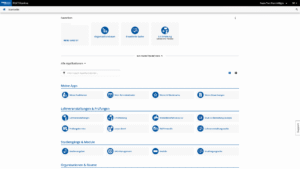
On December 10, 2025, the employee view in RWTHonline will get a new, modern interface! This marks the next stage in the ongoing development of the system, with a focus on usability, personalization, and a contemporary design.
An Overview of the Most Important New Features for You
The update brings numerous improvements that will make your everyday work in RWTHonline easier:
Source: Own Illustration
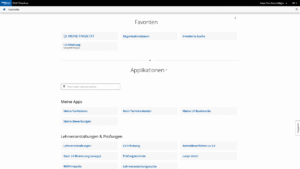
- The desktop as the central start page
In the future, all important applications will be clearly arranged on a personal desktop.
- Customizable favorites & folders
Individual workspaces can be structured using your own favorites and folders.
- Various organizational filters
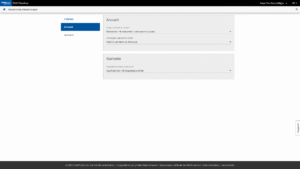
Navigation through complex organizational structures is more intuitive and based on the permissions that each person has in the system.
- Modernized application design
A fresh, clear look ensures a consistent user experience.
- Changed menu navigation in the applications
An optimized menu structure supports intuitive operation.
- Freely selectable themes
With or without application icons – the appearance can be customized.
More Flexibility Thanks to New Context Selection
Source: Own Illustration
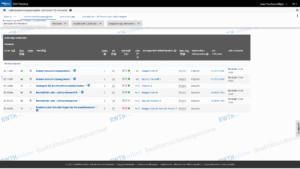
In addition to the expanded personalization options, the new interface offers you more agility in selecting organizations. You will continue to use most applications in the context of a specific organization. To make it easier for you to find your organization, you can now select the required organizational context in several places:
- directly on the desktop,
- when starting the respective application, or
- within the application itself.
This new feature is intended to make work easier, especially for employees with multiple organizational roles or affiliations.
An update as part of the “Employee Desktop Implementation Support” project
Source: Own Illustration
The update was implemented by the system provider and adapted as best as possible to the requirements of RWTH employees as part of the “Employee Desktop Implementation Support” project. In the future, we will continue to work closely with CAMPUSonline to continuously improve the user experience.
Further information
Detailed information, documentation, and instructions can be found in the RWTHonline documentation portal.
Responsible for the content of this article are Dunja Gath, Timo Raith and Diana Schikowski.








Leave a Reply