

Source: Freepik
In today’s digital world, we are constantly connected to technology – whether it’s through our smartphones, computers or other electronic devices. Unfortunately, there are people who take advantage of this fact to scam the unsuspecting. One common scam that many fall victim to is the tech support scam. In this blog post, we want to explain how the scam works and how you can protect to protect yourself.
What Is Tech Support Scam?
Tech support scams come in various forms, but it basically comes in the form of scammers pretending to be employees of a tech support team and tricking unsuspecting users into paying for questionable services or programs or providing personal information. This is often done via unrequested phone calls, pop-up ads or fake emails claiming that your computer or other device has been affected by a virus or other threat.
How Does the Scam Work?
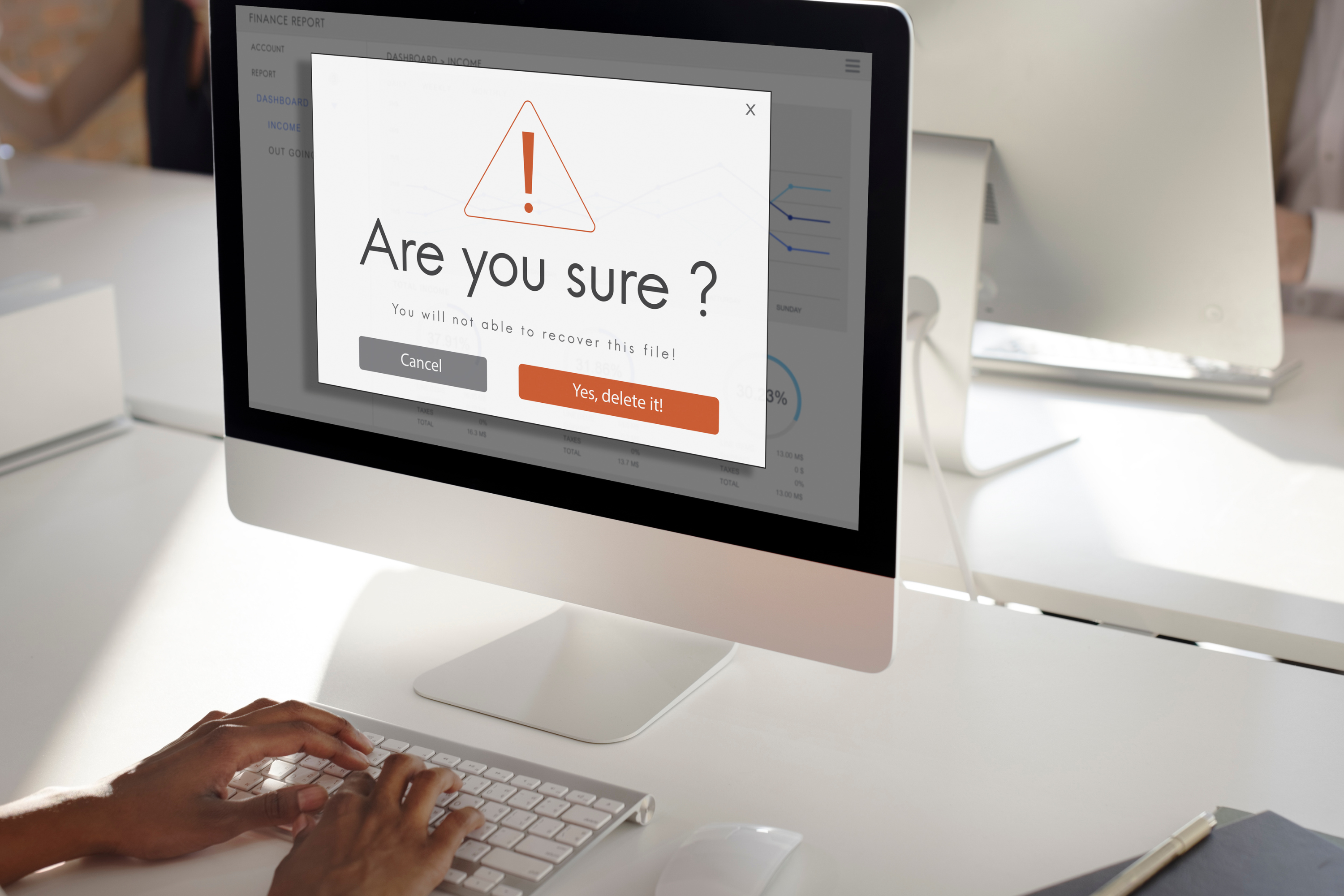
The scammers use various tactics to gain the trust of their victims. They might claim to be from a well-known technology company and offer to fix the supposed problem. They often display fake alerts or pop-ups urging users to call or click on a link.
Once on the phone, the scammers try to obtain personal information such as passwords or credit card details pretending that these are needed for the fixing. Alternatively, they try to get users to download remote access software that will allow them to solve alleged problems remotely. However, instead of solving the problem, they may actually install malware or unwanted programs on your computer.
How Can You Protect Yourself?
There are several things you can do to protect yourself from tech support scams:
- DON’T LET YOURSELF BE RUSHED!
Nothing is so important that it has to be done immediately. This is particularly the case when using a smartphone. - Be skeptical about spontaneous calls or messages claiming there are problems with your device. Serious companies will not contact you unexpectedly to solve technical problems and ask for data or even payments.
- Ignore pop-up ads or emails that require urgent action and are designed to get you to provide personal information or click on suspicious links. You always have the option of checking the sender of emails.
- Verify the identity of the caller or company by calling the company directly that the suspected scammer claims to be from. Use the official contact information from the website or other trusted sources.
- Install reliable antivirus software and keep your programs and operating systems updated to close security gaps and avoid malware.
- Be careful when sharing personal or financial information over the phone or internet
- If in doubt, contact someone you trust.
Tech support scams are a serious problem that affect thousands of people every year. By educating yourself about common scams and taking precautions, you can protect yourself from these fraudulent practices. Remember, it’s always safer to be suspicious and when in doubt, consult a trusted person instead of responding to random unsolicited requests.
Responsible for the content of this article is Morgane Overath.









Ich habe 1€ zahlen sollen für eine Auskunft an die ich weiter vermittelt wurde, bei einer Frage und nun wollen sie plötzlich 29€ abbuchen. Ich habe kein Abo bestellt
Hallo Sigrid,
melde dich am besten sofort bei deiner Bank, damit die unrechtmäßigen Abbuchungen gestoppt und zurück gebucht werden können. Sperre deine Karte, falls deine Daten missbraucht wurden. Bewahre alle E-Mails und Screenshots auf und erstatte anschließend Anzeige. So bist du am besten geschützt und kannst dein Geld zurückfordern.
Viele Grüße
Das IT Center Blog Team
Eine „Assistentin“ hat mir wegen meines Problems mit einem HP-Drucker viele Fragen gestellt und mich dann an einen Techniker verwiesen, der 30,- verlangen wird und den hab ich niemals aufgerufen. Trotzdem die Abbuchung. Ich weiß nicht, wieso sie meine VISA-Nr hatten.
Hallo Rudolf,
es tut uns sehr leid zu hören, was passiert ist.
In diesem Fall empfehlen wir, dass du dich direkt an den Anbietenden oder Ihre Bank/Kreditkartenstelle wendest, um die Zahlung zu prüfen oder rückgängig zu machen.
Wenn du deine Daten nie weitergegeben hast, empfehlen wir, den Vorfall der Polizei zu melden.
Liebe Grüße
Das IT Center Blog Team
Mir ist das gleiche wie Claudia Petersen widerfahren. Ich habe Anzeige erstattet.
Hallo,
das tut uns sehr leid. Es ist jedoch eine sehr gute Option Anzeige zu erstatten.
Hoffentlich hat es nicht zu viel Schaden angerichtet.
Viele Grüße
Das IT Center Blog Team
ich habe einmal einen Euro bezahlt und jetzt ziehen Sie weitere 29 € ab
wie kann ich das rückgängig machen?, denn Sie haben mir in keiner Weise geholfen
Hallo Petra, das tut uns leid.
Hier sind ein paar Schritte, die du sofort unternehmen kannst, um dich zu schützen und dein Geld zurückzufordern:
1. Zahlung sofort stoppen
– Wenn du per Kreditkarte oder Lastschrift gezahlt hast, kontaktiere sofort deine Bank und lasse die unrechtmäßigen Abbuchungen zurück buchen (Stichworte: Chargeback oder Rücklastschrift).
– Falls du deine Kartendaten direkt eingegeben hast: Karte sperren lassen und neue Karte anfordern, da die Betrüger sonst weiter abbuchen können.
2. Abo oder Vertrag kündigen
– Prüfe, ob du irgendwo ein „Abo“ abgeschlossen hast (oft steht etwas Kleingedrucktes auf der Zahlungsbestätigung oder in der E-Mail).
– Kündige schriftlich (per E-Mail oder Einschreiben) – auch wenn es Betrug ist, damit du später einen Nachweis hast.
3. Beweise sichern
– Alle E-Mails, Rechnungen, Screenshots und Zahlungsnachweise aufbewahren.
– Notiere dir Datum und Uhrzeit der Abbuchungen.
4. Anzeige erstatten
– Bei der Polizei Strafanzeige wegen Betrugs stellen.
– Je mehr Geschädigte sich melden, desto besser sind die Chancen, dass die Täter gestoppt werden.
5. Sei auf der Hut vor weiteren Betrugsmaschen
– Tech-Support-Betrüger melden sich oft telefonisch oder per Pop-up im Browser. Seriöse Firmen rufen dich niemals unaufgefordert an oder verlangen Geld für Support per Pop-up.
– Lade keine Programme auf Anweisung von Fremden herunter.
– Gib deine Bankdaten nur bei seriösen Anbietern mit Impressum & AGB ein.
Unser Rat in Kürze:
Ruf sofort bei deiner Bank an und stoppe die Zahlungen. Erstatte dann Anzeige und sammle alle Unterlagen und Beweise
Viele Grüße
Das IT Center Blog Team