

Kategorie: ‘Support, Services & Updates’
(Deutsch) Kick-Off der Pilotphase: Cloud-Projekt Azure hebt ab
Microsoft 365 for Students
On September 23, 2020, right on time for the start of the bridge courses at RWTH Aachen University, the Microsoft 365 service for students will be launched. Here we want to explain briefly the background, how it can be used and where help can be obtained in case of questions and problems.

Source: Stefan Hense
Like a Breath of Fresh Air… in September
At least for RWTHmoodle this is the case, because the first big update this year is coming. RWTHmoodle will be updated to Moodle version 3.9, including some minor and major changes. Improvements in accessibility, the widely used e-tests and the selection dialog when adding activities are just as much a part of this as minor adjustments to the forum, the grading of assignments and the question collection.

Source: Pixabay
The exact date for the update to version 3.9 is 09.23.2020.
(Deutsch) Update aus der Netzerneuerung – gleiches Netz, neue Liebe
RWTHonline – No Witchcraft!
A few key data in advance: RWTHonline is the Campus Management System (CMS) of the RWTH Aachen University for the organization of studies and teaching. Exactly, it is the linchpin for your study planning and combines different functionalities in one application. The website can be reached via the link online.rwth-aachen.de and it is recommendable to save it under favorites or bookmarks. RWTHonline helps you with the most important business processes concerning your student career from application to graduation. In addition to the approximately 45,000 students, 4,000 employees of the RWTH also use the system to organize their studies and teaching.

The welcome page of RWTHonline
Source: Own illustration
A Confidential Connection – VPN at the RWTH Aachen University
Many will already know the three big letters – V P N. This is the abbreviation for “Virtual Private Network”.
Using various available protocols, an encrypted connection, a so-called “tunnel”, is established between your computer and the VPN server. All data traffic into the RWTH network – or, depending on the operating mode, all traffic – passes through this encrypted tunnel. Only from the VPN server onwards does the data begin its conventional unencrypted path into the network. Logically, the user’s computer has moved to a subnet of the RWTH Aachen University: In the “Full Tunnel” he now appears to third parties with an IP address of RWTH Aachen University.

Secure access to the RWTH network via VPN – we explain how it works.
Source: Unsplash
Nice to Know: eduroam
eduroam – a word you will comes across quite often at the RWTH Aachen University. Whoever uses this service can hardly imagine a life without it. You are unsure what eduroam is all about and perhaps have difficulties setting it up? Do not worry! In today’s “Nice to know” post we will tell you everything you need to know about it and show you how to use this IT service aswell.
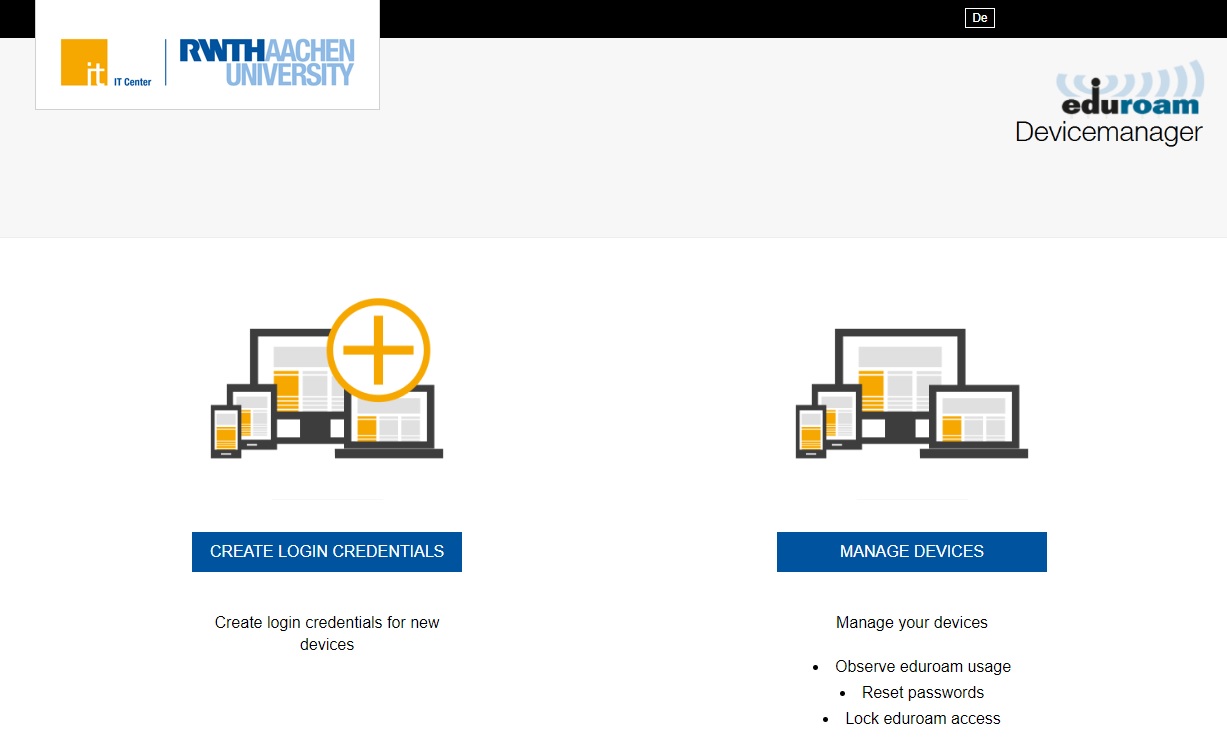
Generate login data & manage devices with the eduroam device manager
Source: Own illustration
Nice to Know: Things You Should Know about the RWTH E-mail Address and the RWTH Service Account

Source: Pixabay
In our “Nice to know” posts we provide useful tips about IT services at RWTH Aachen University. Did you ever wondered how to set up an e-mail client or what “role administration” actually is? Well, this series will provide you with answers to all your questions. In todays article, we will take a closer look at RWHT e-mail addresses.
Nice to know – Name change
You can easily change some of your personal information via the Selfservice. For example, you have the possibility to change your address and your contact e-mail address on your own. But what about a name change? Whether due to a change in your life or a simple spelling mistake in your name, a name change is sometimes not inevitable. In this case, you cannot make the change yourself, but in today’s “Nice to know” article we will tell you what to do to make a name change.

Your name is not spelled correctly or has changed? Now a name change is necessary. You can read how to do this here!
Quelle: Unsplash