

Nice to Know: The First Steps in GitLab at RWTH Aachen
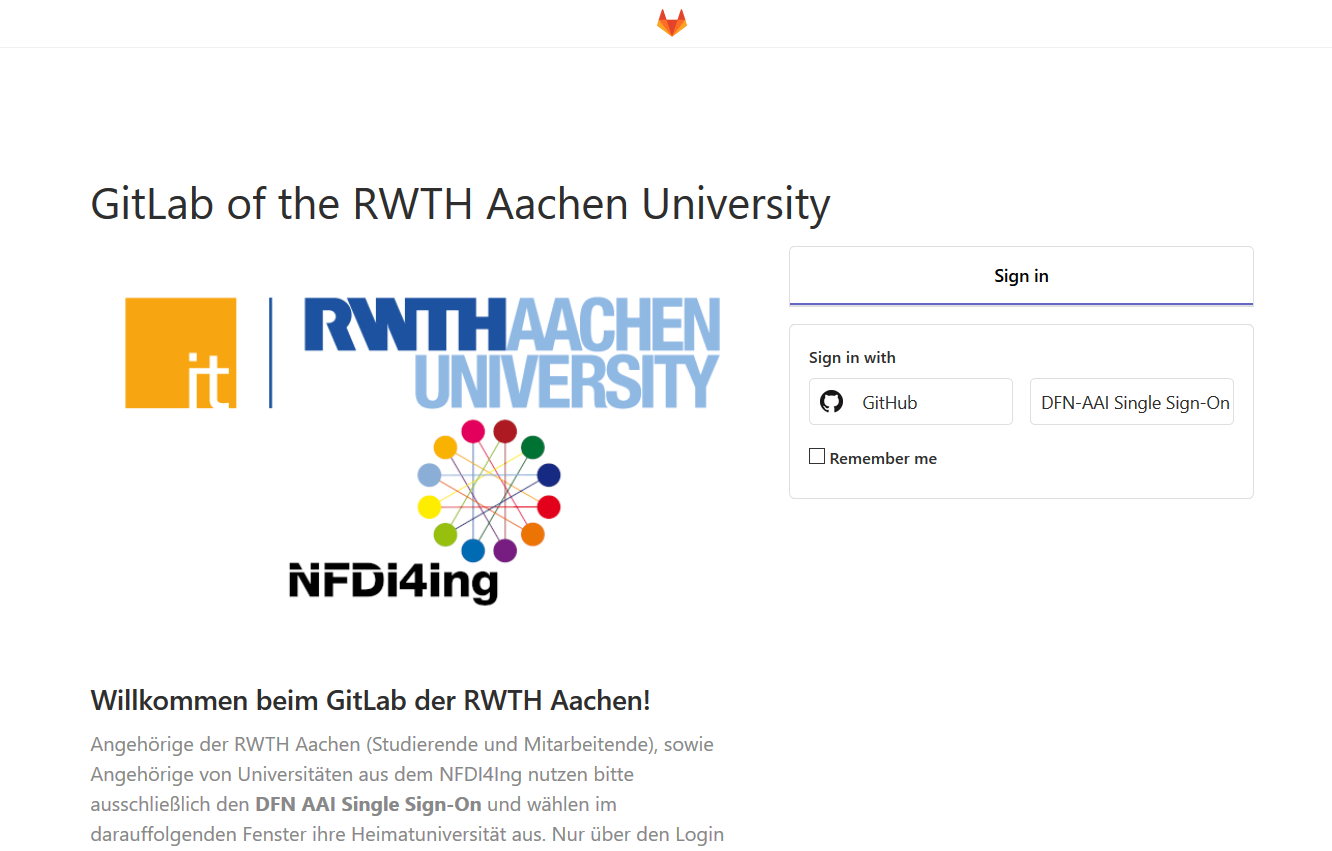
GitLab at the RWTH? No problem. With two instances and in compliance with the license terms, you can create versioned software projects.
Source: git.rwth-aachen.de
GitLab is a version management system that allows you to version software and web projects. Developers can store and document versions of their code here. You can then organize, host, and manage them in digital archives. This is why GitLab is often referred to as a Version Control System, or VCS for short.
MoodleMoot Global goes online
Like many other events, this year’s MoodleMoot Global was dominated by the COVID 19 pandemic. The conference, which was originally planned as an on-site event in Barcelona, was therefore held completely online for the first time, offering the global Moodle community the opportunity to exchange information despite distance rules, travel bans and other restrictions. The members of the community met from July 6th to 10th on a specially created Moodle instance. Among the more than 1000 participants from over 120 countries were representatives of the IT Center and the Learning Platform Management Department of the Center for Teaching and Learning Services at RWTH Aachen University.

Over 1,000 participants from over 120 countries took part in this year’s MoodleMoot Global!
Source: Own illustration
Nice to know: The role manager
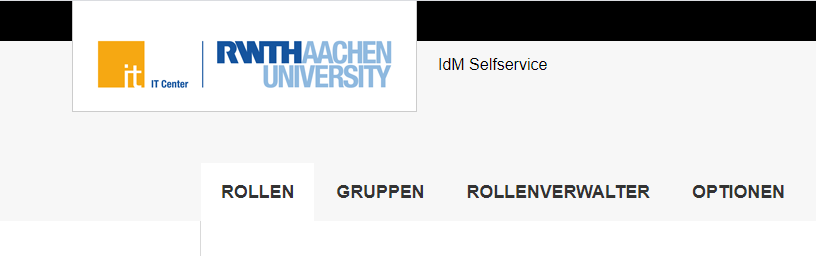
Role manager in the Selfservice
Source: Own illustration
In our new blog series “Nice to know” we would like to give you some detailed insights into our services. This blog post is about role management.
Relaunch of the Documentation Portal
Documentation Portal Becomes IT Center Help
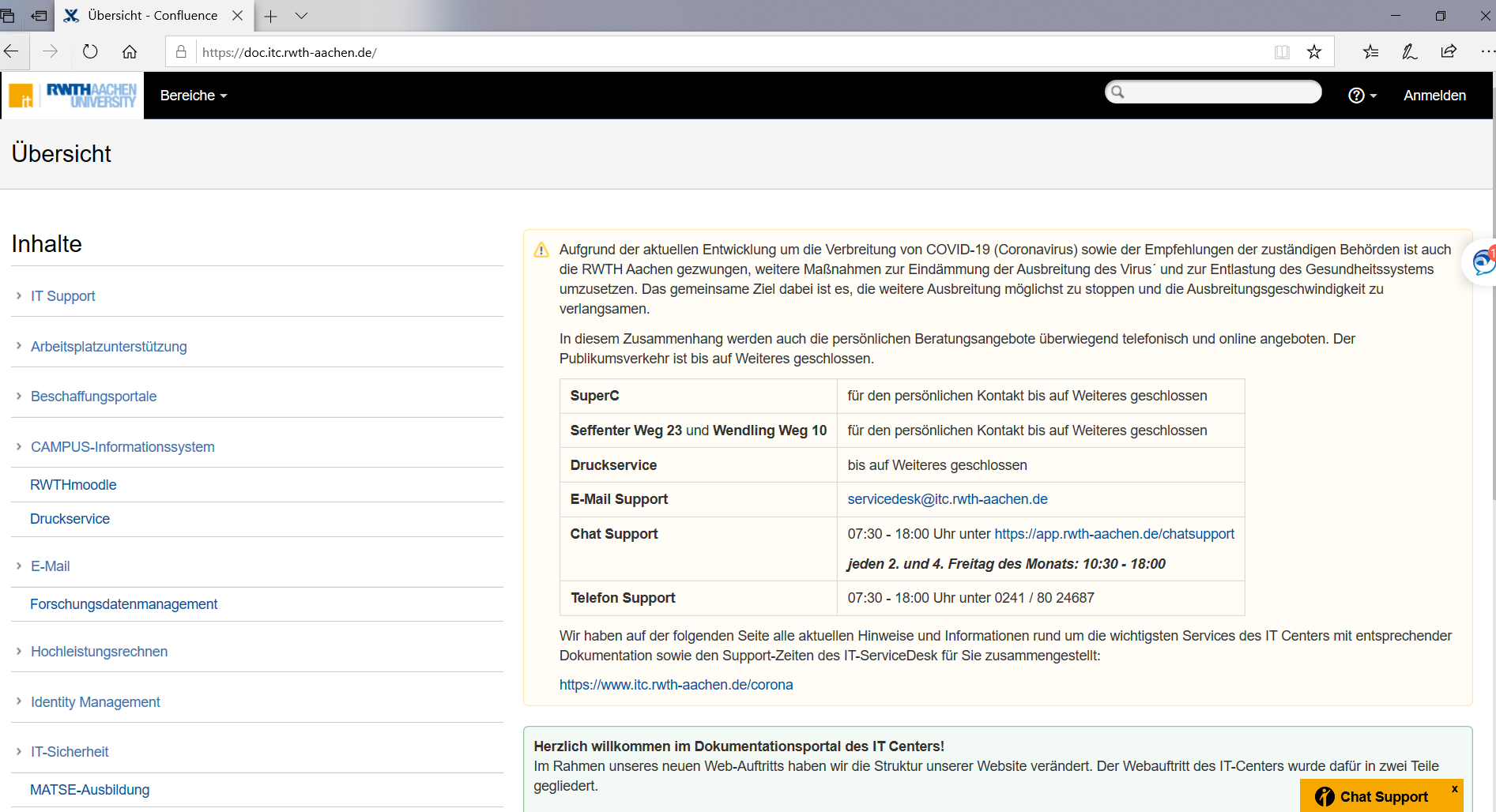
The documentation portal has served its duty. After many years of good service, the successor is already in the starting blocks. (doc.itc.rwth-aachen.de)
Source: Own illustration
What began a good six years ago is now taking on a new form. Join us on a short trip down memory lane – and back on the road to the future.
Nice to know: Connecting to the cluster – The first steps
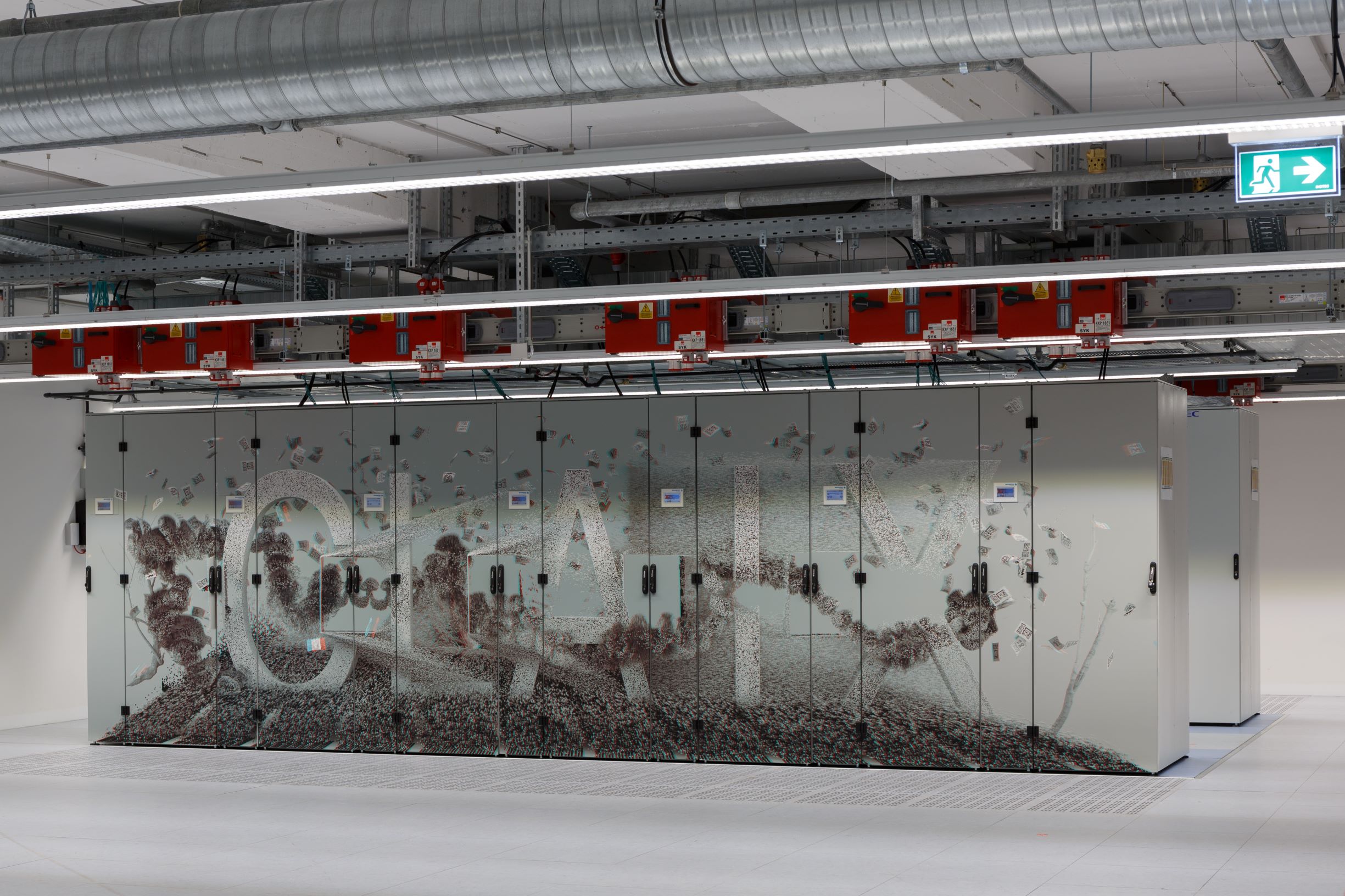
High-performance computing at the RWTH Aachen University. This is what our cluster looks like.
Source: Alexander Müller
For some people, High Performing Computer (HPC) is an unknown topic with many question marks. If the necessary basic knowledge is not available, this can quickly become overtaxing. To counteract this, we have summarized in today’s blog post how this actually works with high performance computing and the connection to the cluster.
(Deutsch) ISC High Performance 2020 Digital – Wir blicken zurück
The Tickettool – a tool that connects
The IT-ServiceDesk is in charge of all questions concerning the IT services of the IT Center. As the central contact point for students, employees, institutes and cooperation partners of RWTH Aachen University, the IT support requests at our IT-ServiceDesk are particularly diverse. Good organisation is essential – and that’ where our Tickettool plays an important role.
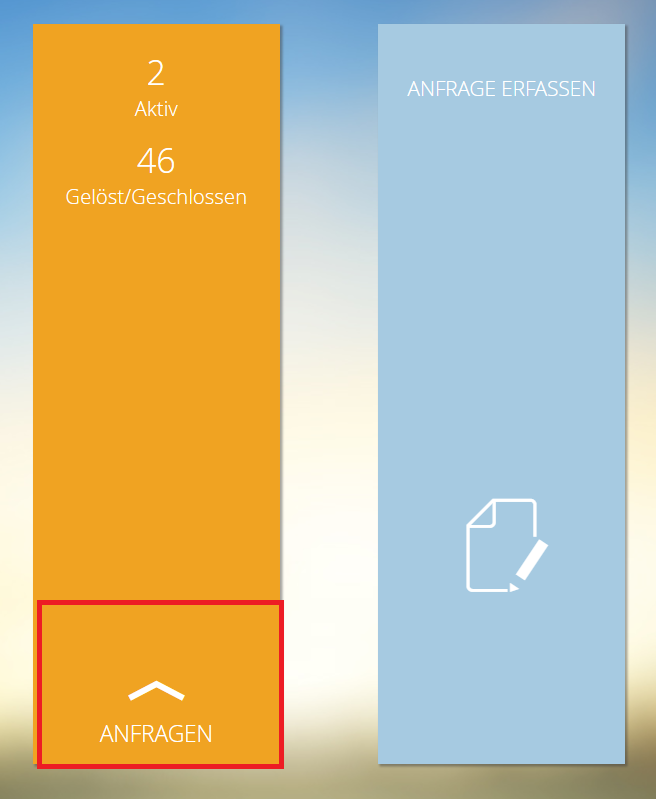
The IT Center Tickettool: How to keep overview of your requests.
Source: Own illustration
Tips and Tricks: The Selfservice (part 2)
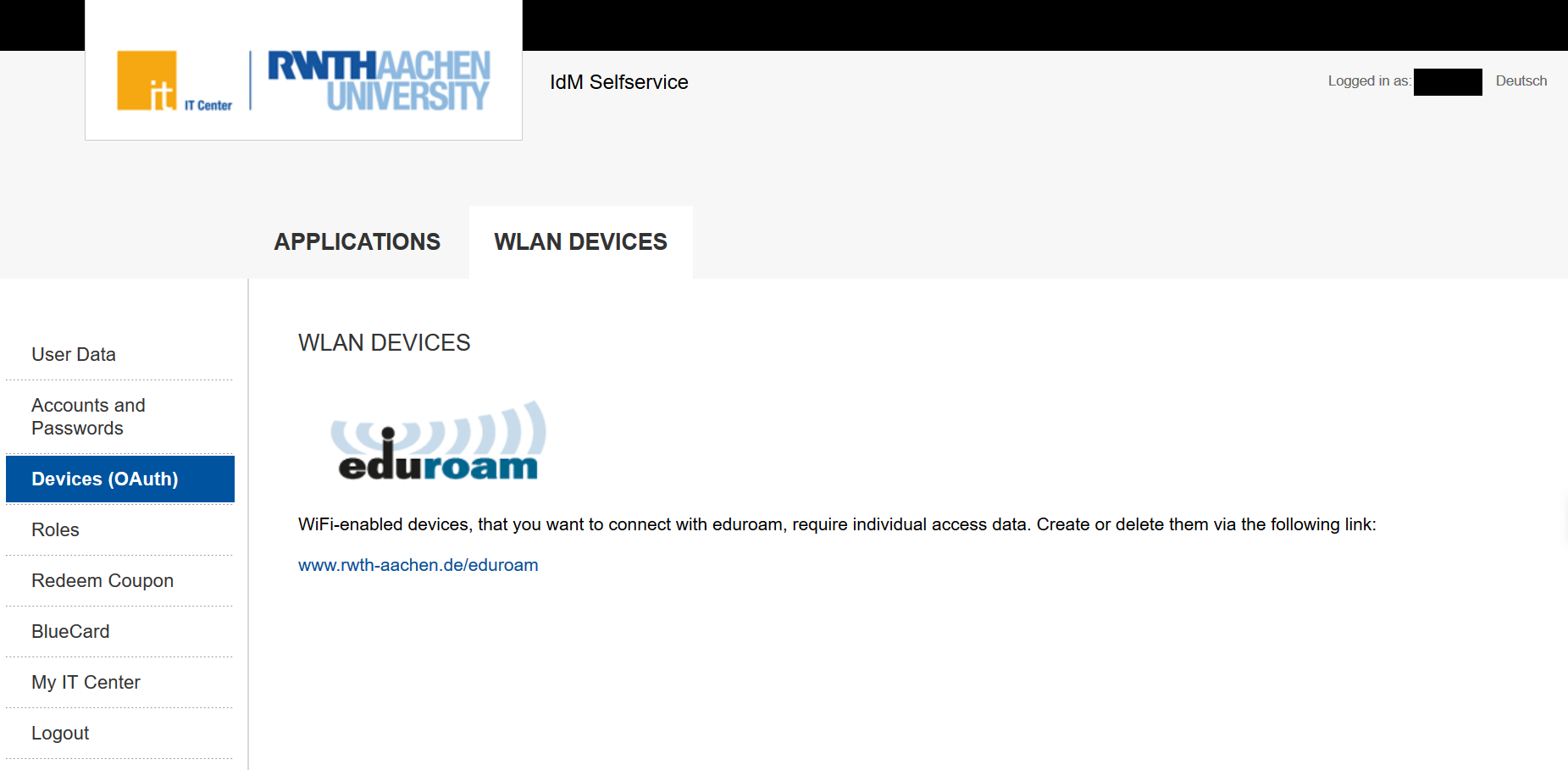
Did you know that you can also manage your eduroam connected devices from the Selfservice? Here you can manage much more!
Source: Own illustration
In the first part of the blog series “Tips and Tricks: The Selfservice” we already reported how to get into the Selfservice and how to use and manage the functions “User Data” and “Accounts and Passwords”.
In this article you will find out what is hidden behind the other menu items “Devices”, “Roles”, “Redeem coupon”, “BlueCard” and “My IT Center” in the Selfservice. As soon as you are logged in via https://www.rwth-aachen.de/selfservice you will see the mentioned menu items on the left side of your screen.
(Deutsch) Freie Software für freie Lehre! – Gemeinsame Erklärung der deutschen, communitygestützten Open-Source-Bildungsplattformen
Tips and Tricks: The Selfservice (part 1)
The IdM Selfservice – here you can administrate accounts and passwords and many more!
Source: Own illustration
The Selfservice is one of the first applications used by newcomers to the RWTH – whether students or employees. Since you will encounter and use the Selfservice again and again, we explain in two articles how and for what you can use it.
First of all, it is important to know how you can access the Selfservice and where you can find it.
Via the link https://www.rwth-aachen.de/selfservice you can access the Selfservice using the RWTH Single Sign-On. Here you need the user name (in the form ab123456) and the corresponding password to log in. If you are using the Selfservice for the first time, you have received the password in the ConnectMe link procedure.