
Kategorie: ‘Support, Services & Updates’
Milestone Reached: The Coscine Word Mark Is Officially Registered!

Source: Coscine
From an idea to an established platform: the history of Coscine is a chronicle of progress in research data management. The registration of Coscine as a word mark marks another high point in this success story. But how did it actually come about? In this blog post, we give you an overview of the origins and milestones of Coscine.
Women in IT: TANDEM Mentoring
Source: Martin Braun
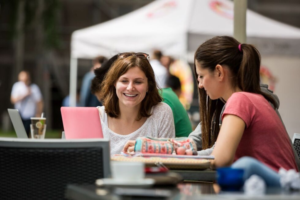
As part of our ‘Women in IT’ series, we have already talked about the challenges faced by women in IT and shared some success stories. In the third article, we presented the FEMTEC Career Building Programs. Today, in the fourth part, we would like to introduce the TANDEM mentoring programs at RWTH Aachen University – important tools for equal opportunities career development that support women in shaping their careers in science and research while promoting gender equality in the academic environment.
Moodle-Templates: Didactical Course Design
Source: Own illustration
Designing course rooms in Moodle can be a challenge – especially for those who are not yet familiar with the platform’s extensive possibilities. It is therefore not surprising that in our last RWTHmoodle user survey in the summer semester, more than two thirds of lecturers expressed great interest in course templates. We take this feedback very seriously and are actively addressing the issue.
Coscine – How Is the RDM Platform Actually Structured?
Source: Coscine
Researchers face the daily challenge of efficiently managing and accessing large amounts of data. Nowadays, data management goes beyond simple storage. According to the FAIR principles, research data should be easy to find (Findable), accessible (Accessible), interoperable (Interoperable) and reusable (Reusable). This is exactly where Coscine (Collaborative Scientific Integration Environment) comes in – a platform that supports researchers throughout the data lifecycle.
But what exactly does that mean? Let’s take a look at the structure of Coscine and explain step by step how the platform for research data management (RDM) works.
Firewalls – The OSI Model
Source: Freepik
Welcome to the third and final part of our blog series on firewalls! In the first post we looked at the role of firewalls, and in the second we looked at the types of firewalls. In this post, we take a look at the OSI model (Open Systems Interconnection Model) and the different levels at which firewalls can operate.
Halloween: The Nightmares of Cyber Security

Source: Freepik
Fear. A feeling that probably all of us are familiar with. Especially around Halloween, the potential for scares increases. Be it the fear of disguised, made-up figures or even the worry that your sensitive data will fall into the hands of unauthorized persons. Perhaps it’s no coincidence that October of all months is IT Security Month? In this article, we take a look at a few “IT horror stories”, how you can protect yourself from them and share some interesting figures.
Email Security – Evaluation and Application of the SPF Policy
Source: Own illustration
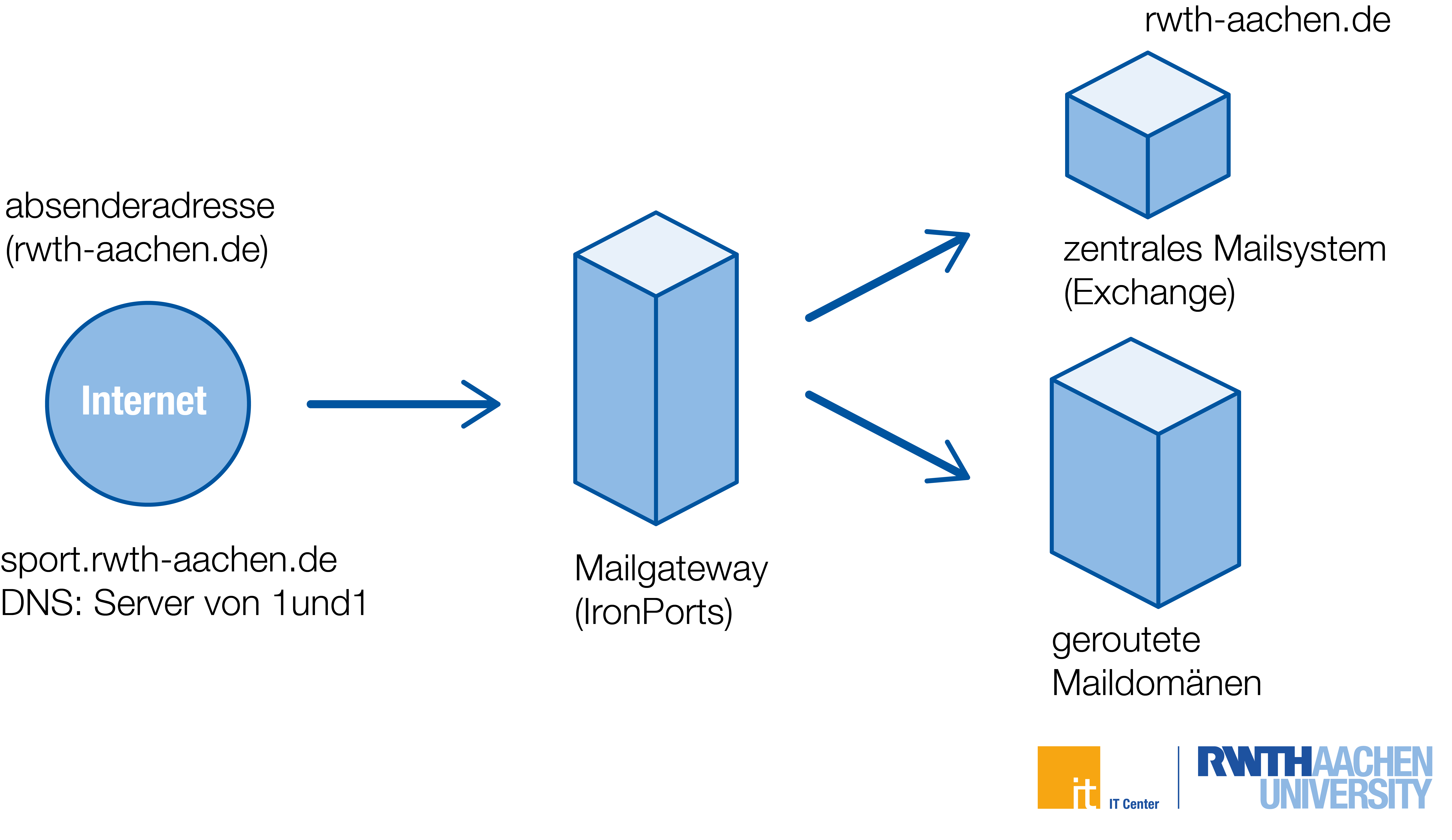
In this post of our email security series, we would like to inform you about an upcoming tightening of the SPF policy that will apply to RWTH Aachen University as of December 5, 2024. The change will prevent RWTH email addresses from being used as sender addresses by mail servers outside of RWTH Aachen University in the future. This will further increase email security at our university. Please note that this article is mainly intended for mail administrators of RWTH institutions. (*)
Women in IT: FEMTEC Career-Building Program
Source: FEMTEC
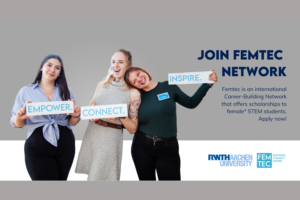
Welcome to the third post in our blog series about women in IT. In the first post, we looked at the challenges women face in the tech industry and how they successfully overcome them. The second post was dedicated to the success stories of historical and modern women who have made significant contributions to the IT field. Today we present the FEMTEC Career-Building Program, which prepares female STEM students at RWTH Aachen University for challenging careers in business and science.
Omnichannel Telephony: Bilingualism

Source: Freepik
After around three successful years with our omnichannel system, we are taking the next step: in order to meet the modern requirements of an international university, we are making our telephone system bilingual to make communication more efficient and user-friendly. But what exactly does that mean? And what is behind our omnichannel system?
IT Center Satisfaction Survey 2024 – Your Opinion Counts!

Source: Freepik
This week our IT Center Satisfaction Survey 2024 started. This survey is aimed at all people who use the services of the IT Center.
In order to continuously improve the quality of services and support through our various communication channels, we conduct a satisfaction survey every year. The survey is anonymous.