Schlagwort: ‘E-Mail’
Outlook Shortcuts You Should Know

Source: Own illustration
Clicking through your mailbox every day, searching in the menu and scrolling through the messages – it takes time. But you can do it faster! Because Outlook offers lots of shortcuts that will get you to your destination much faster. We’ll show you the most practical shortcuts that will make your everyday office life easier – without any unnecessary clicking.
2025 Satisfaction Survey: Feedback on Email and IdM

Source: Own Illustration
Your feedback helps us continuously improve our services. In the most recent IT Center satisfaction survey, you told us what’s working well and where you see room for improvement.
We’ve reviewed your feedback and would like to address some of the most frequently mentioned topics. This post focuses on RWTH Email and Identity Management (IdM). The topics of multi-factor authentication (MFA) and RWTH Single Sign-On (SSO) will be covered in a subsequent blog post. In both articles, we’ll address your suggestions and highlight which areas we’ll be focusing on more in the future and which developments have already been initiated.
A New Generation of Phishing: Why Potentially Harmful Emails Get Past the Spam Filter

Source: Own illustration
RWTH has a robust email security infrastructure: efficient spam filters and reliable protection mechanisms ensure that large volumes of unwanted messages never even reach our inboxes. Nevertheless, spam and phishing emails have increasingly been finding their way into personal and work RWTH inboxes as “undetected” messages. So, what mechanisms cause even the most reliable spam filters to fail to intercept every suspicious message?
Discontinuation of Email Forwarding via the Self-Service Function
Source: Own illustration
In this article, we would like to inform you about the upcoming discontinuation of automatic email forwarding via the Selfservice function. We will provide a brief overview of the reasons for the discontinuation, a review of what has already been implemented, and information about the final step in discontinuing the function. You will also learn how you can continue to forward emails from your RWTH email address to another email address.
RWTH Aachen Reaches a Milestone: 125,000 E-Mail Accounts!
Source: Own illustration
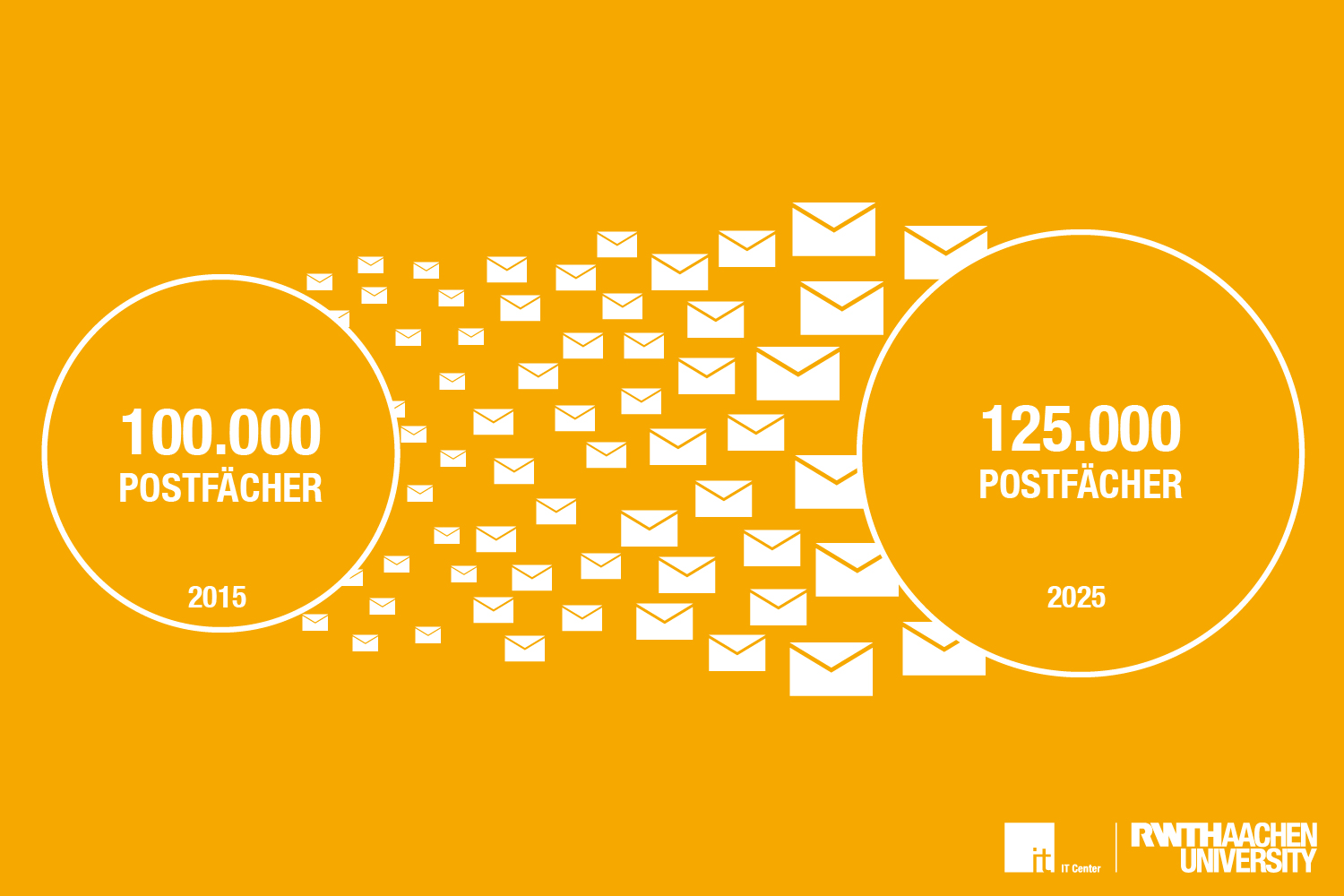
At the beginning of the year “2025”, which is a special year, which is a special year in a mathematical sense, because 2025 is the square number of the sum of 1 to 9, we are pleased to announce the launch of the 125,000th RWTH e-mail account! In this article, we take a look at the development of RWTH e-mail accounts and RWTH-e-mail domains over the last 10 years.
Basics at RWTH: E-Mail
Source: Freepik
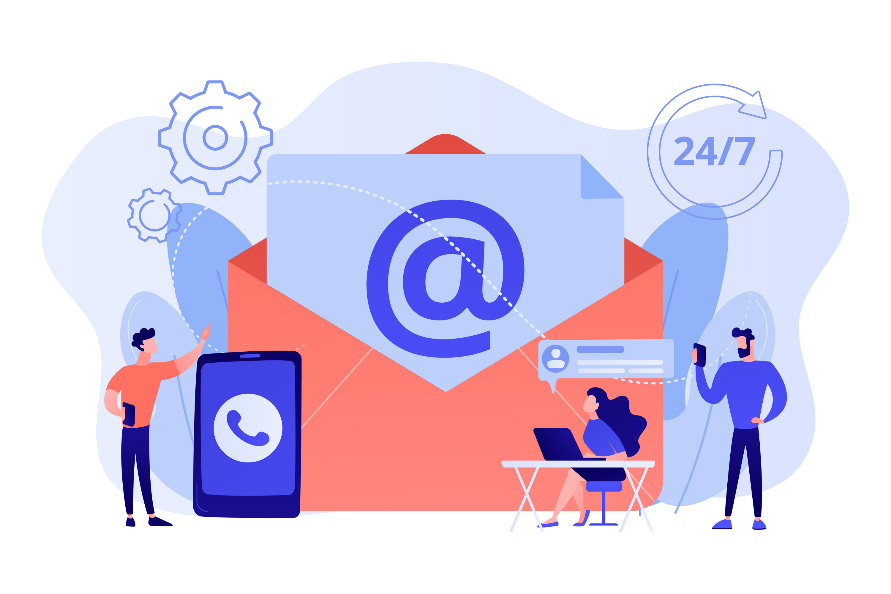
As part of our blog series “Basics at RWTH”, today we are introducing you to the RWTH e-mail service, which is essential for your daily communication in everyday university life. We have compiled the most important information for you so that you can get started quickly and easily with your e-mail inbox – if you haven’t already done so.
Security in E-mail Traffic 3: LDAP Address Book
Source: Freepik
The LDAP address book (LDAP = Lightweight Directory Access Protocol) is a type of database or directory that an email application queries via a predefined path (server name, port, branch/search base) in order to find out the user certificate of an email address, for example. If such an LDAP address book is integrated into your own email application, encrypted emails can be sent directly, for example, provided the recipients have published their user certificate in the LDAP address book. Not every e-mail has to be sent encrypted, but you can select this option if you wish and after successful setup. Read more about the encryption of emails in part 2 of the blog series.
Security in E-mail Traffic 2: Encryption
Source: Freepik
It regularly happens that personal data or other sensitive information such as temporary passwords, application documents etc. need to be transmitted quickly. The choice often falls on the exchange by e-mail. However, this data must be protected against unauthorized access by third parties. In order to still be able to use e-mail, the e-mails must be encrypted. We will show you how this works in the following blog post, along with other relevant information on the subject. Go back to the first blog post in our series to read more about digital signatures.
Security in E-mail Traffic 1: Digital Signing

Source: Freepik
Did you know that in June 2024, more than 80% of all incoming emails at RWTH Aachen University were identified as suspicious by the email security defense systems? [1] You may now be thinking of terms such as phishing emails or spam emails.
At some point, every recipient of an email asks themselves the question: How do I know whether the sender address is trustworthy and genuine? On the other hand, every sender asks themselves at some point: How do I know whether my email has demonstrably reached the recipient unchanged? One answer to this is: Always sign emails digitally! We would like to take a closer look at this process with you in the following blog post.
Help, My Email Password Was Compromised!

Source: Freepik
In the digital world, email accounts are a central part of our lives. If your email password has been compromised, it can have serious consequences: A hacked email account gives cybercriminals the opportunity to send phishing emails with fraudulent links to your family members, friends and addressees in your name.
In this article, you will learn how you can better protect your accounts and devices to prevent them from being compromised.